Proven technology. Practical implementation.Proven technology. Practical implementation. Better service decisions.
See the Problem Before You Send a Technician.
Reduce avoidable service visits. Improve first-time fix performance. Make better dispatch decisions.
A guided link lets customers and technicians show your team the problem — no app, no video call.
No app.No customer account.No live video call.
For the person recording. Your service team reviews every case in the management platform.
Service case #4821
Rooftop unit stopped — alarm on controller
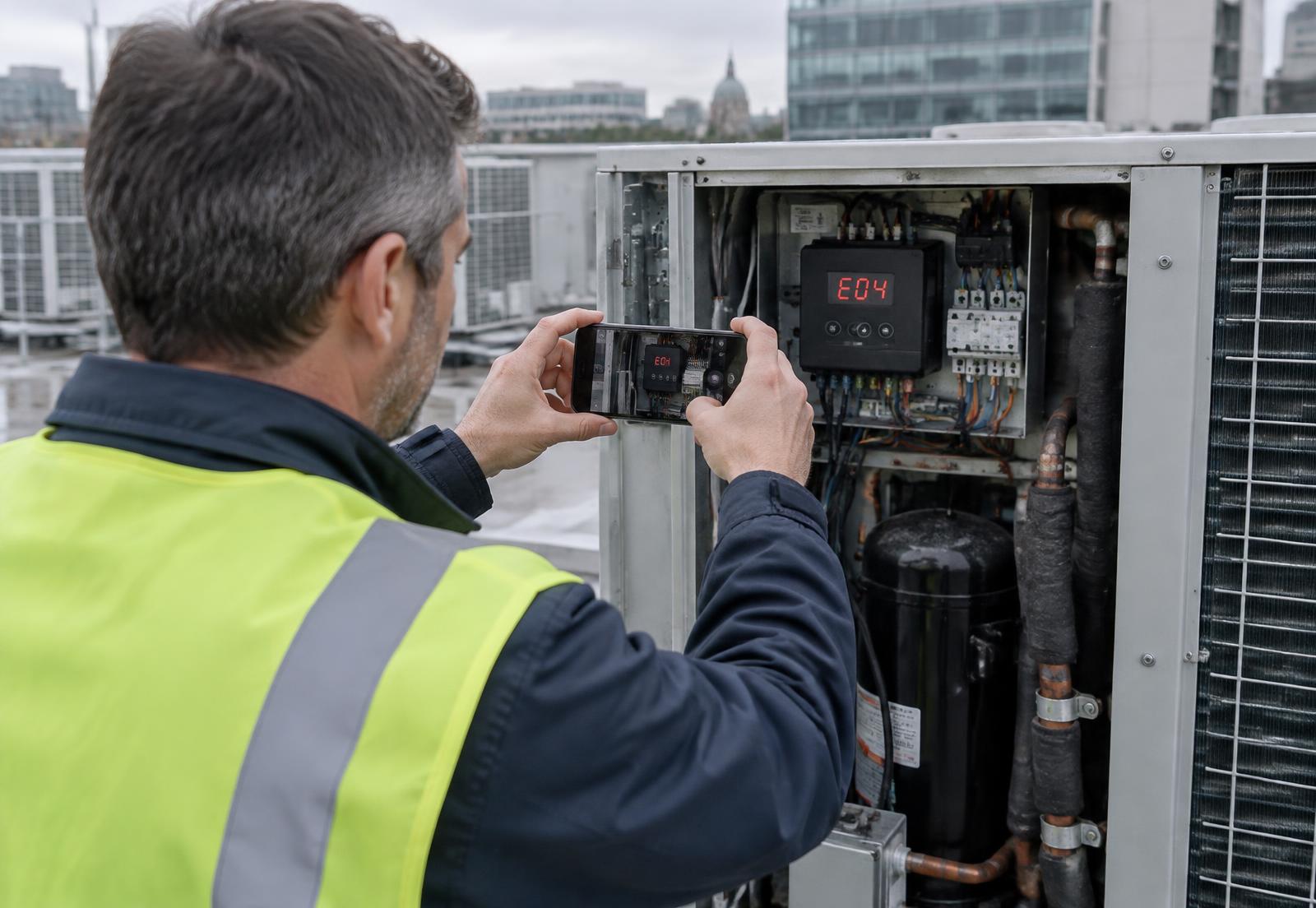
- Site
- Office building — Dublin
- Asset
- Rooftop air-handling unit
- Data plate
- Captured
- Fault code
- E04
- Observed
- Condenser fan not running
- Owner
- HVAC service desk
Recommended next action
Refrigeration engineer — bring condenser fan motor and capacitor
The problem
How Much Is Poor Information Costing Your Service Operation?
- Technicians travelling just to identify the fault
- Multiple visits because the required parts were unknown
- Incorrect technician assignments
- Repeated calls between customers and service desks
- Missing photographic evidence
- Incomplete contractor reports
- Supervisor visits to verify completed work
- Delays caused by insufficient technical information
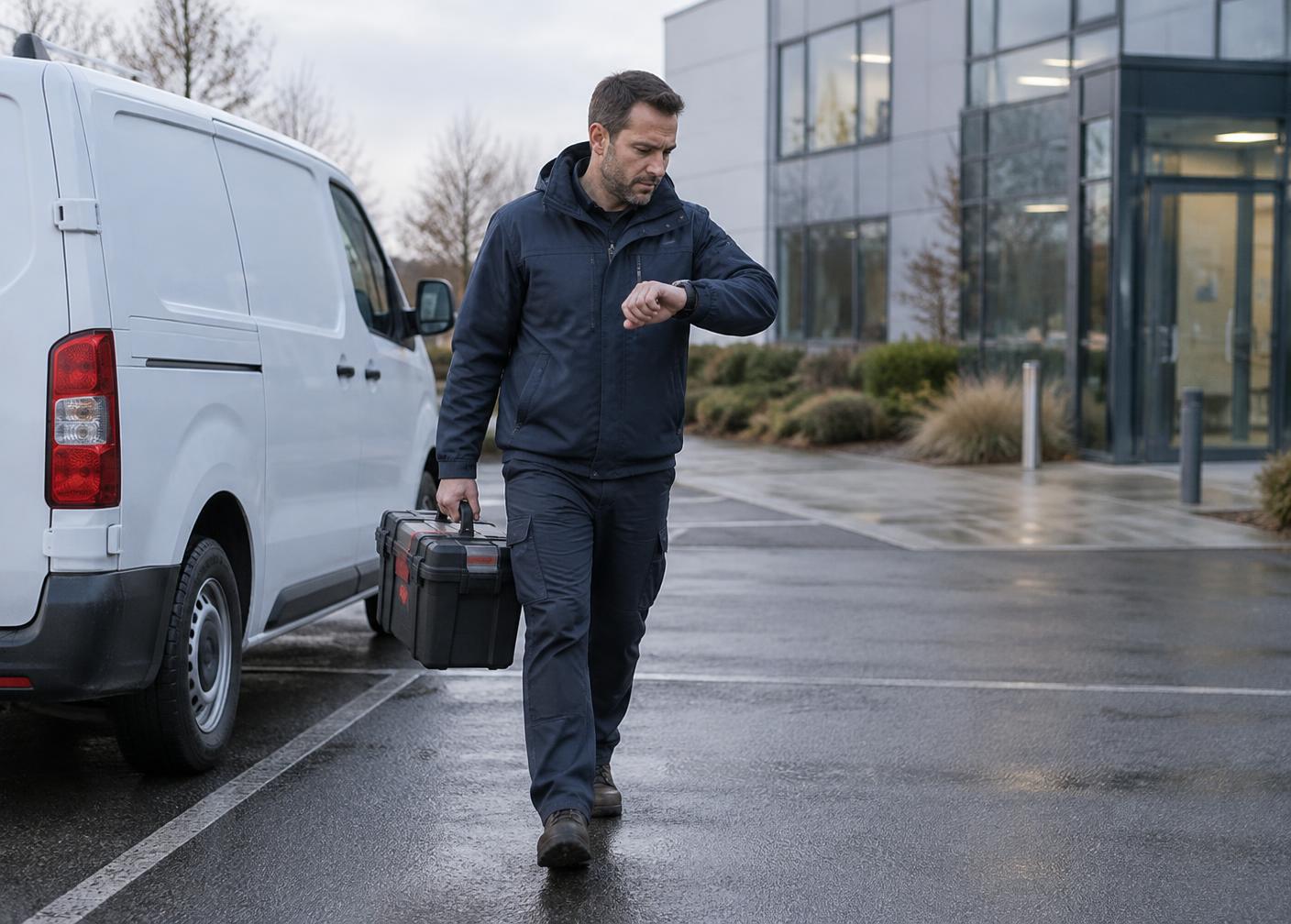
Imagine your service team could see the equipment, fault code, installation conditions and actual problem before deciding who needs to travel.
How it works
Send. Guide. Capture. Review. Decide.
One simple sequence, whether the evidence comes from a customer before dispatch or from a technician on site.
- 01
Send
A secure link reaches the customer, site contact or technician.
- 02
Guide
Your workflow tells them exactly what to record and answer.
- 03
Capture
Video, photos and answers are recorded in the phone browser.
- 04
Review
The structured case reaches your service team.
- 05
Decide
Resolve remotely, request more, or dispatch prepared.
Service outcomes
Three outcomes service leaders care about.
What guided visual capture is used to improve. Actual results depend on your workflows, volumes and adoption, and are measured with you.
01
Fewer avoidable visits
Cases that can be resolved with instructions, a reset or a warranty decision do not need to become a site visit.
02
Better first-time fix
The right engineer arrives with the right parts, knowing the asset, the fault and the conditions on site.
03
Proof of work and better records
Structured before-and-after evidence from technicians and contractors, reviewed remotely and kept with the job.
Two complementary solutions
Before dispatch, and during the visit.
Two separate workflows that work well together — and can also be introduced independently.
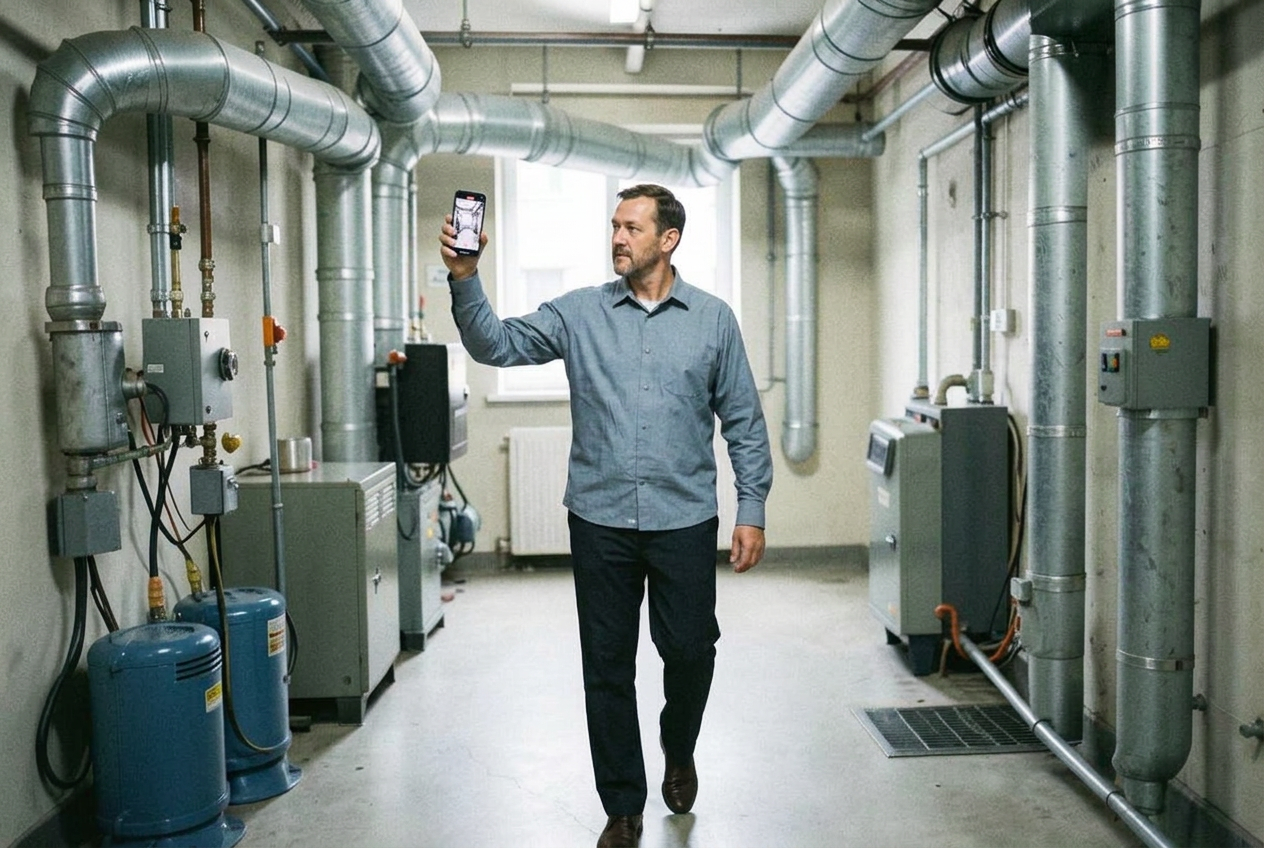
Solution A · Customer video · Before dispatch
Understand the Problem Before Anyone Travels.
- 1Service request received
- 2Customer receives a secure link
- 3Customer records guided video, photos and answers
- 4Service team reviews the case
- 5Resolve remotely, request information, or dispatch the right technician with the right parts
Business outcomes
- · Better pre-dispatch triage
- · Potential reduction in avoidable visits
- · Faster fault identification
- · Better technician and parts preparation
- · More informed service decisions
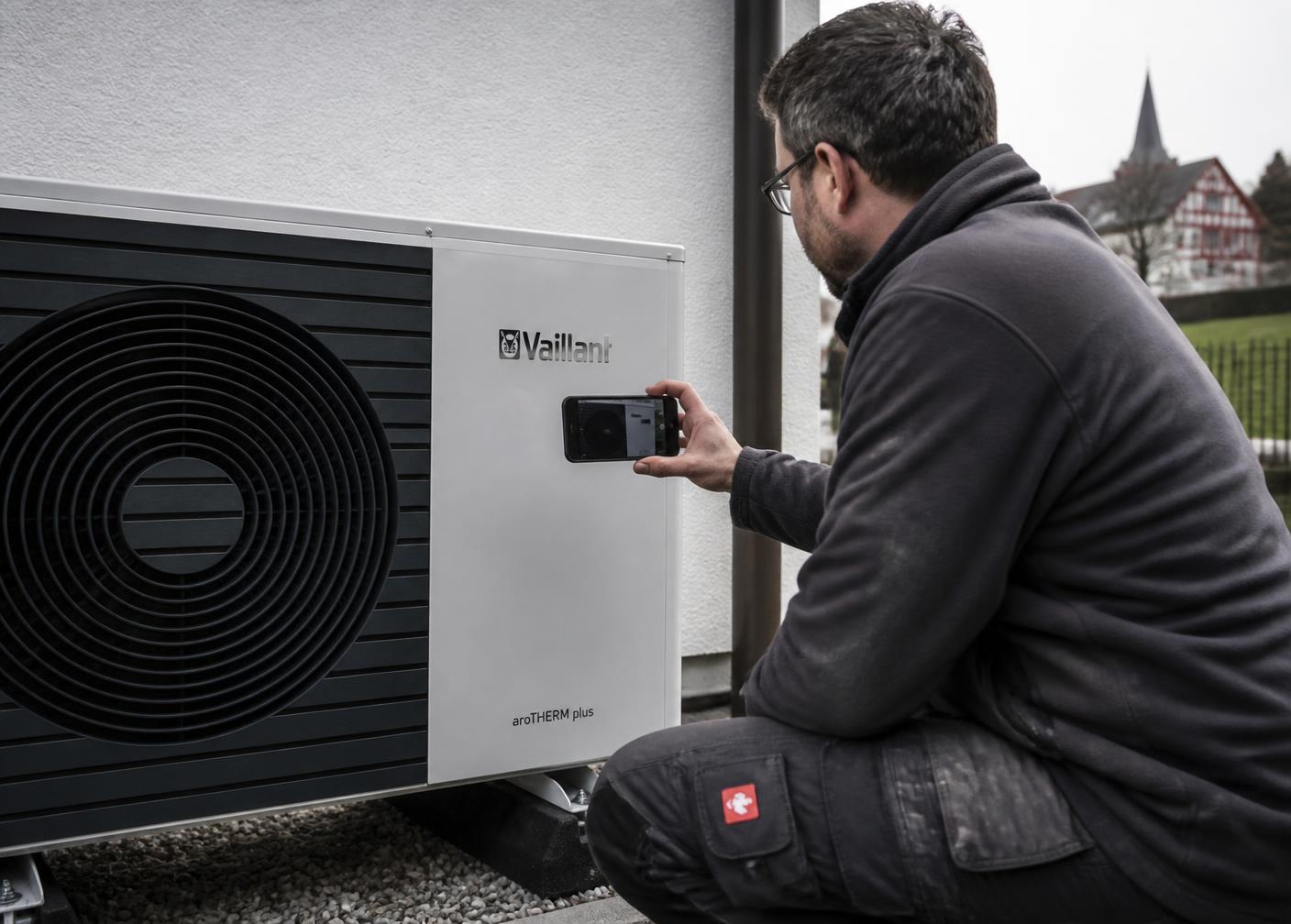
Solution B · Technician video · During the visit
Know What Happened on Site — Without Being There.
- 1Technician opens the guided capture workflow
- 2Records the condition found
- 3Captures work performed and visual checks
- 4Records completion evidence
- 5Service team or supervisor reviews remotely
Business outcomes
- · Improved field documentation
- · More consistent proof of work
- · Better contractor visibility
- · Easier technical escalation
- · Remote quality checks where appropriate
- · Stronger warranty and service records
Industries
Built for technical service operations.
Our priority sectors — with the same approach applied across other field-service operations in the UK, Ireland, Europe, the Middle East and beyond.
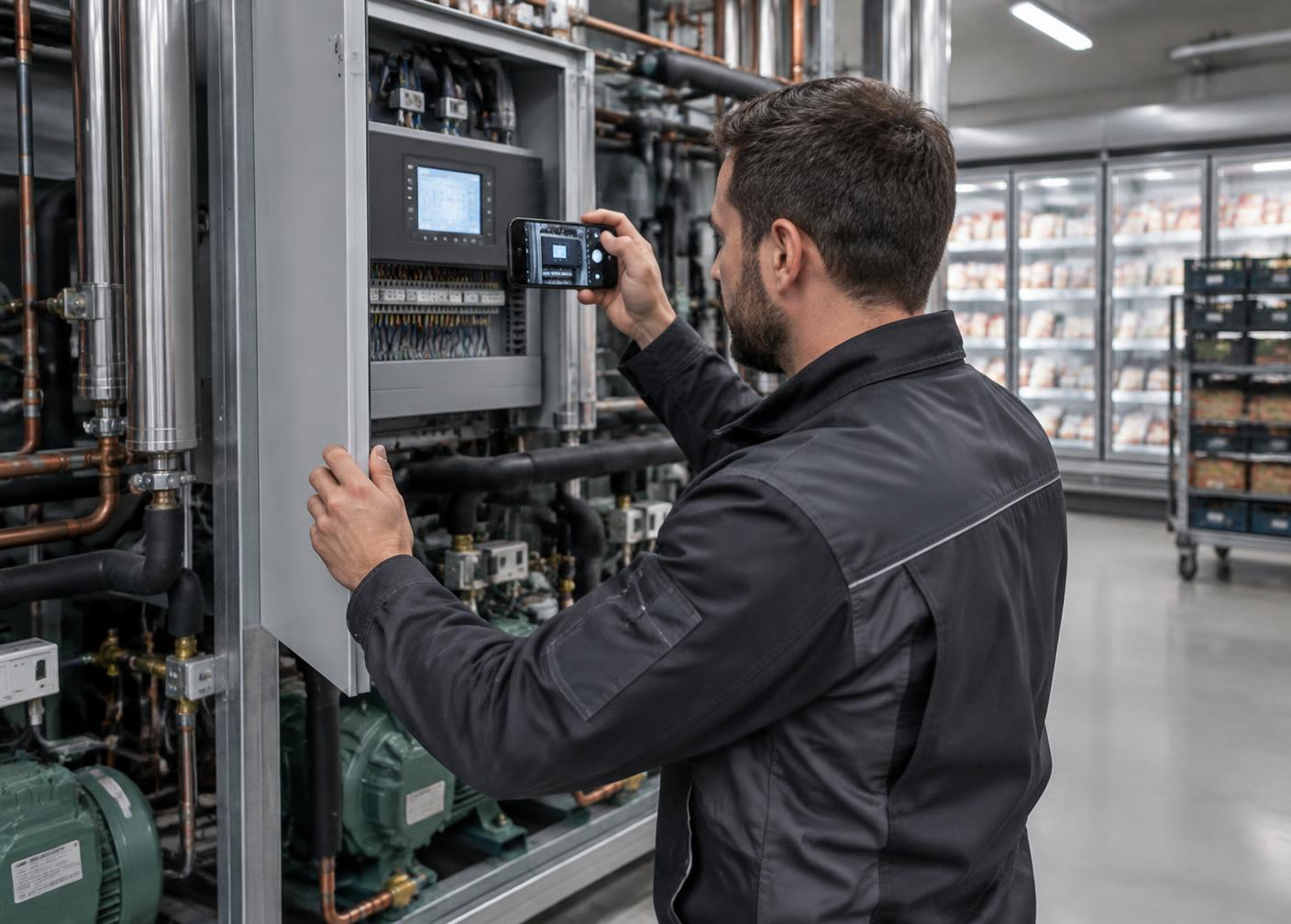
HVAC & Refrigeration
Commercial HVAC, refrigeration, heat pumps and building systems. See the unit, data plate and fault code before an engineer travels.
Facilities Management
Multi-site maintenance and contractor networks. Assess reported issues remotely and receive visual proof of completion.
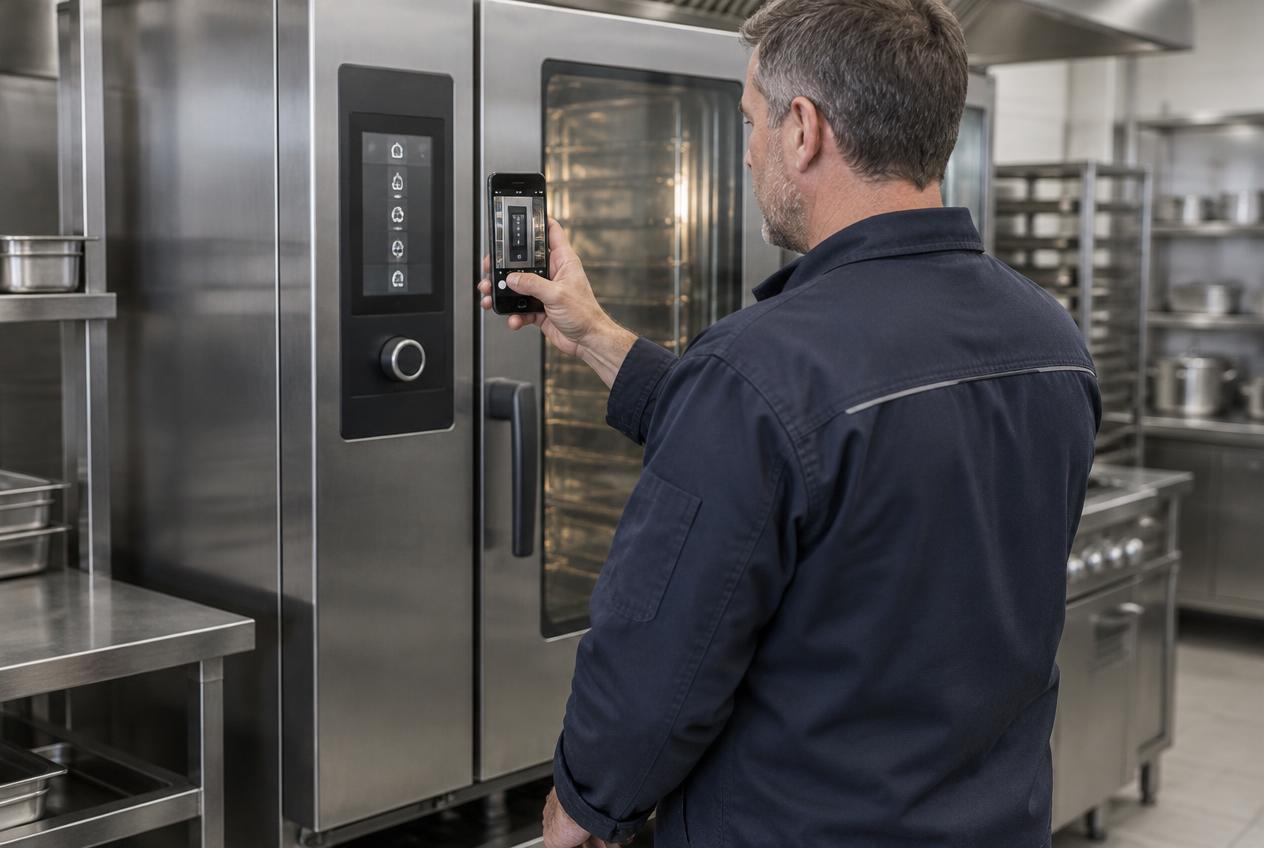
Industrial Equipment Service
Machinery and equipment support networks. Understand the fault and prepare parts before sending a specialist.
Also: Automotive · Energy · Technical support · Medical equipment · All industries
The business case
What Could Better Visual Triage Be Worth to Your Business?
Enter your own numbers. The defaults are illustrative only, and no contact details are needed to see the result.
Your assumptions — illustrative defaults, edit them
How it is calculated
Annual visits = technicians × visits per day × working days
Potentially avoidable visits = annual visits × avoidable %
Potential gross saving = avoidable visits × cost per visit
Estimated annual service visits
17,600
Potentially avoidable visits
880
Estimated gross visit cost that could be avoided per year
€132,000
An estimate from your own assumptions — not a guaranteed result, a benchmark or a customer outcome. It does not deduct software, implementation or adoption costs, and it cannot judge which visits are technically necessary.
Why work with us
Technology Alone Doesn't Improve Service Performance. Implementation Does.
Access to software is the easy part. We bring operational knowledge, implementation expertise and practical change management, working from how service and aftersales operations actually run.
Integration feasibility and scope are always confirmed with you — never assumed.
- 01Analyse the current service process
- 02Identify suitable visual capture use cases
- 03Design practical customer and technician workflows
- 04Configure the software
- 05Connect it to operational processes and systems where supported
- 06Train operational teams
- 07Run a controlled pilot
- 08Evaluate operational outcomes
- 09Support adoption and expansion
How a pilot works
From First Use Case to Everyday Service Workflow.
Start with one workflow, prove the value on real cases, then scale. Scope, duration and terms are agreed with you.
01
Discover
Current process and baseline
02
Design
One workflow, agreed success measures
03
Configure
Guided capture and review steps
04
Pilot
Real cases with an agreed team
05
Measure
Participation, completeness, efficiency
06
Decide
Adjust, expand or stop
Illustrative demonstration
See What Your Service Team Could Receive Before Dispatch.
One structured case: the request, the equipment, the video, photos, fault code, answers, the desk review and the possible next actions.
Service case #4821 · received 08:12
Rooftop unit stopped — alarm on controller
1 · Customer request
"The air conditioning on the third floor has stopped and the unit on the roof is showing an alarm."
Facilities contact, office building
2 · Equipment identification
- Asset
- Rooftop air-handling unit
- Data plate
- Photographed
- Refrigerant
- Read from data plate
- Fault code
- E04 on controller
3 · Video of the fault · 4 · Photographs
Guided video 00:245 · Structured questions
- When did it stop?
- This morning, around 07:30
- Is the breaker tripped?
- No
- Is the fan turning?
- Outdoor fan not turning
- Any unusual noise or smell?
- Humming from the fan housing
- Is the unit safely accessible?
- Yes — roof access via plant room
6 · Service desk review
Code and video indicate the condenser fan motor has failed. Unit identified from the data plate.
7 · Possible next actions
- Resolve remotely — Not possible — component fault visible
- Request more information — Not needed — evidence complete
- Dispatch prepared — Refrigeration engineer with fan motor and capacitor
Questions
What service leaders usually ask first.
- What is Service Video Experts?
- Service Video Experts is an international specialist in field-service improvement through guided video and remote visual inspection. It combines established guided video software with process analysis, implementation, configuration, pilot management and ongoing support, so customers and technicians can capture structured video, photos, equipment information and checklist responses — without the person recording needing an app, an account or a live video call.
- Is Service Video Experts a software company or a consultancy?
- Both parts come together. You get an established, production-ready guided video platform, licensed through us, and the consultancy work that makes it effective in a real service operation: process analysis, workflow design, configuration, training, pilot management and ongoing support. There is no development project.
- What does the customer or technician need?
- Only a phone. They open a secure link in the phone browser and follow guided steps. There is no app to download, no customer account to create and no live video call to schedule. Your service team reviews cases in the management platform.
- What is remote visual inspection?
- Remote visual inspection allows a service organisation to assess an asset, fault or condition using video and photographic evidence captured remotely, instead of immediately sending a specialist to the site.
- Does it require a live video call?
- No. Evidence is captured asynchronously through a guided link and reviewed afterwards, so the person recording and the reviewer never need to be available at the same moment.
- Can it connect to our existing systems?
- Cases can be delivered by link and email from day one. Connections to CRM, field service management, ticketing or ERP systems are possible where the systems support it; feasibility and scope are confirmed with you during the project.
- How do we start?
- With a 30-minute discovery call, followed by a pilot on one workflow with agreed success measures. Pilot scope, duration and commercial terms are agreed during consultation.
Read more: Product overview · Integrations · Security & data privacy · Guides · Insights
Let's look at one of your service workflows.
In 30 minutes we look at how requests arrive, how they are triaged and dispatched, and where better visual information could reduce avoidable visits and repeat work.
Prefer to try the capture workflow yourself first? Start a free account